You can forward an email to other email accounts using Thunderbird.
1. Open Thunderbird.

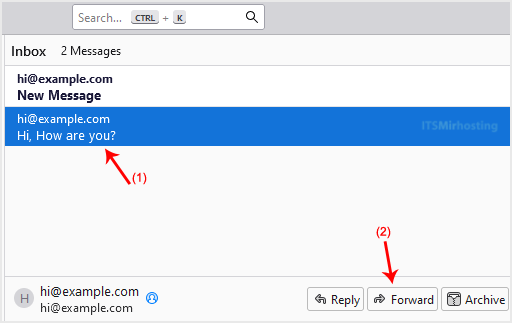
2. Go to Inbox. Right-click the message you want to forward. Select Forward and Redirect, then click Forward.
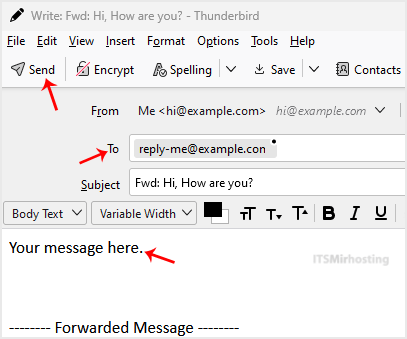
3. Write your message, enter recipient email in To field, then click Send.
You have learned how to forward emails using Thunderbird.